



Open play
Run Pickleball Open Play Without a Spreadsheet
From sign-up to standings: the frame of the night, the waitlist, check-in, rounds and scores, with no spreadsheet or group chat.
In this guide
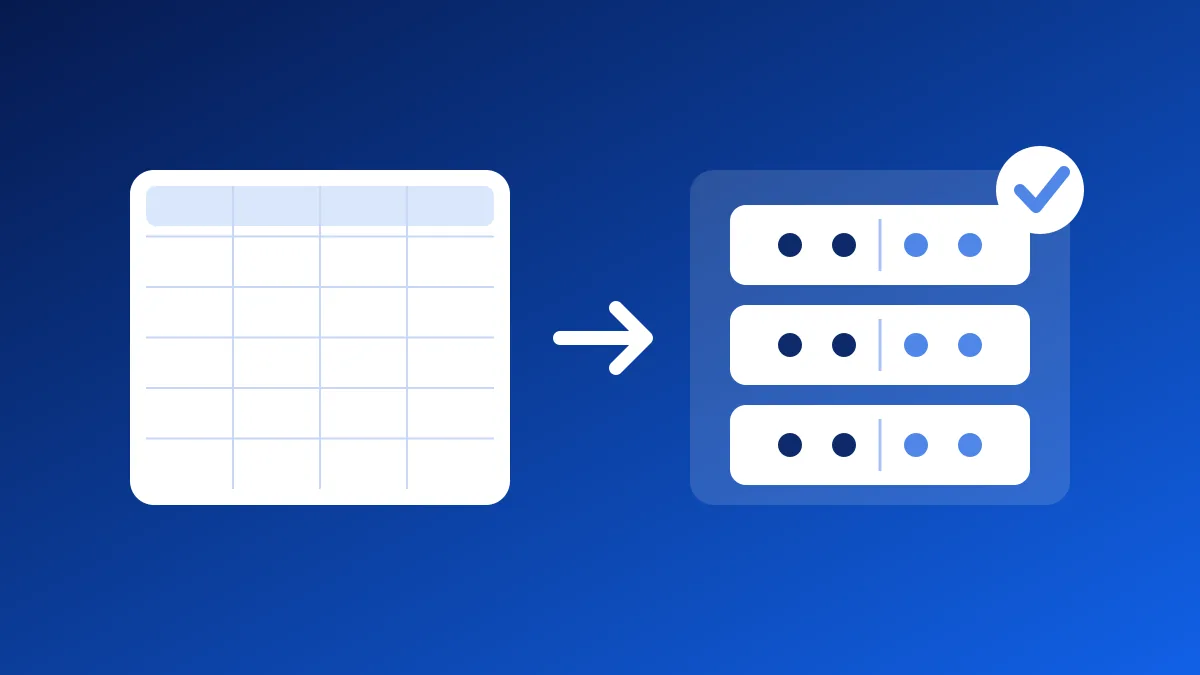
A pickleball open play night (pickup, or drop-in) means a sign-up list, a waitlist, rounds to build and scores to track. Plenty of clubs keep all of it in a spreadsheet and a group chat. It holds up until the night twenty players show up for four courts. Here is how to run the night, from sign-up to standings, without a spreadsheet.
What the spreadsheet has to do every week
A spreadsheet can count. It cannot do the rest, and you redo the work every session:
- count sign-ups and turn people away at the cap;
- manage the waitlist when someone drops out at the last minute;
- know who actually showed up;
- build every round, with varied partners and fair rest;
- enter scores and keep standings.
Each task is simple on its own. Together, with players asking you questions while the music plays, they are the part of the night that keeps you from playing.
Step 1: set the frame of the night
Decide the day, the time, the period and the courts. Count four players per court in doubles: eight players fill two courts, twelve fill three, sixteen fill four.
For the cap, plan those four players per court, plus two or four spots of margin. The extra players rest in turn, so nobody sits out all night.
If levels are very mixed, create one division per level, with its own courts and cap. Players pick theirs when they sign up. The details are in Run open play.
Step 2: open sign-ups
Share the session link. Sign-ups start 1 to 14 days ahead, 7 by default, and close when the session starts. Beyond the cap, players join a waitlist: a spot that frees up goes to the first player waiting, who gets a notice.
Each player needs an account to sign up on their own. A walk-in or a player without a phone does not: you check them in by hand when they arrive. Read Manage open play sign-ups.
Step 3: check players in on arrival
Show the session code at the entrance, on a tablet or on paper. Each player who signed up scans it on arrival and becomes “present”. Check-in opens half an hour before the start. Only players who are present go into the rounds.
A player leaves mid-night? Record their departure: they drop out of the next rounds, and the games they already played stay. With no network in the gym, your check-ins stay on your phone and go out on their own when the network returns. It is all in Check in players.
Step 4: build the rounds
Rally proposes each round from the players who are present, with Popcorn by default:
- both sides have the same number of players, and extra players rest;
- nobody rests twice before everyone else;
- Rally avoids partners already paired tonight, then those from recent weeks.
You read the proposed round, then start it. One player in each game enters the score on their phone, and the other side has nothing to confirm. The next round waits for every score of the current round. When the session ends, a game with no score is cancelled: it counts for neither ratings nor standings.
If your players want a different rhythm, read Popcorn, balanced mixer, King of the Court: which mode to pick. For a night where courts free up at different times, there is also the court queue.
Step 5: let ratings and standings do the talking
Every finished game moves a player’s rating, from 1.0 to 10.0, and everyone sees why. You pick the starting rating and who sees ratings. Program standings then rank players over the whole period, with an attendance threshold to be ranked. At the end of the period, you close the program: its standings become the final standings.
What you keep elsewhere
Rally does not handle players’ money. If your club charges dues or a session fee, they are settled the way they were before, outside Rally.
Start for free
Open play is free for one active program at a time, with no subscription. A program frees its spot when you close it, or after its last day. To run several at once, you need the Leagues subscription. The first steps are in Start free open play, and Open play, explained sums up the whole path. To see what Rally does for pickleball, open pickleball open play.
Frequently asked questions
How many players do I need per court?
Four in doubles, two in singles. Eight doubles players fill two courts, and twelve fill three.
Do my players need an account?
Yes, to sign up and check themselves in. A walk-in or a player without a phone does not: you check them in by hand.
Can we play singles, doubles and mixed doubles?
Yes. A pickleball night can be singles, doubles or mixed doubles, and each discipline has its own rating.
What happens to a game with no score at the end of the session?
It is cancelled. It counts for neither ratings nor standings.
Step by step in Rally Leagues: Run open play
For your sport

Pickleball tournament
Skill-level pools in the morning, finals after lunch.